Create with Flow AI

Flow AI Video Generator

Flow AI Video turns text prompts and images into short AI videos. Choose a model, set your shot, and review credits before you generate.

0/2000
180 credits

THE COMMUNITY IN MOTION

See what other creators share

Explore Flow AI Video creations their owners chose to share. Your work stays private until you publish it.

IDEAS YOU CAN PUT TO WORK

Four starting points for your next clip

Use Flow AI Video for a scene, photo or product clip. Start with one clear action.

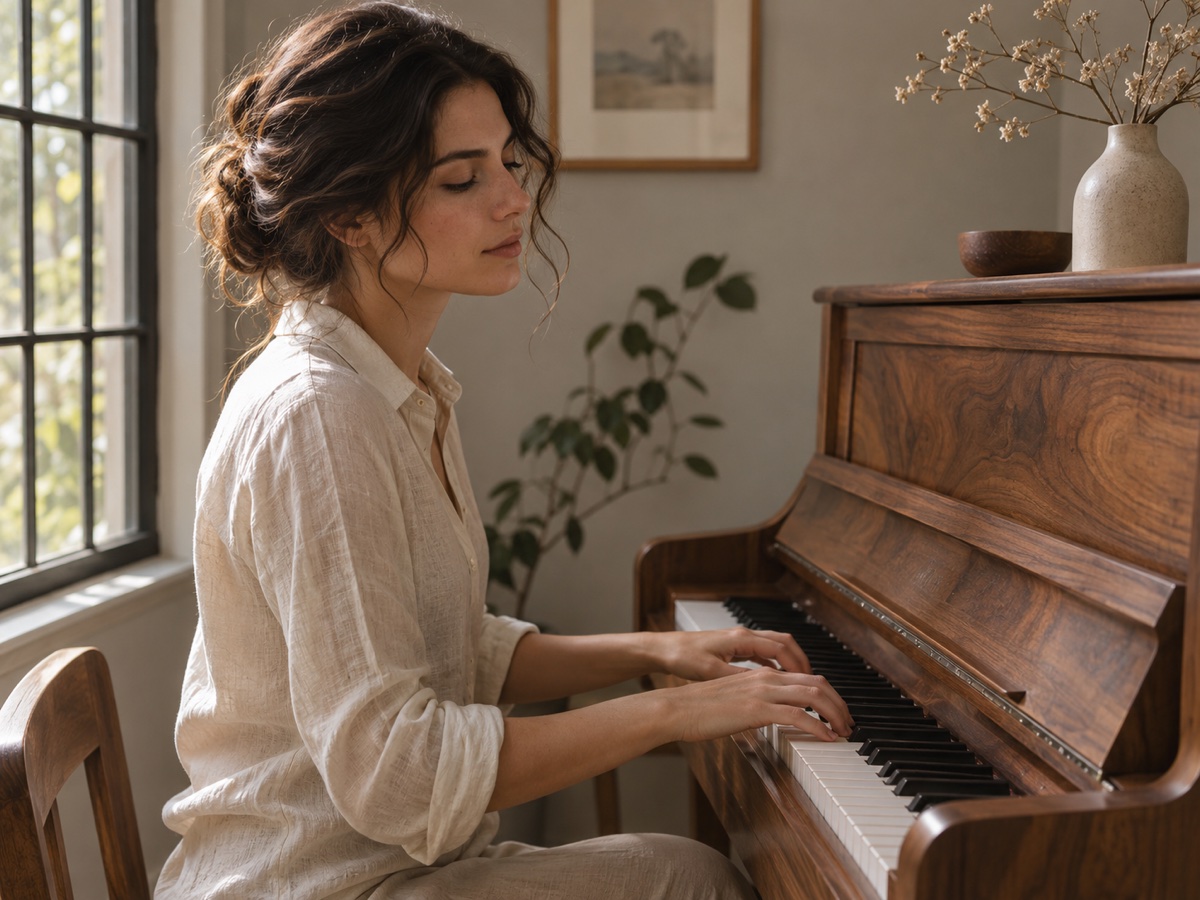
Illustrative image: a pianist at a wooden piano in warm window light

Animate a photo you already have

Upload a portrait, illustration or landscape as your first frame, then describe a small gesture or camera move. Try a slow push-in for a presentation visual, keeping the composition simple and the movement easy to follow.
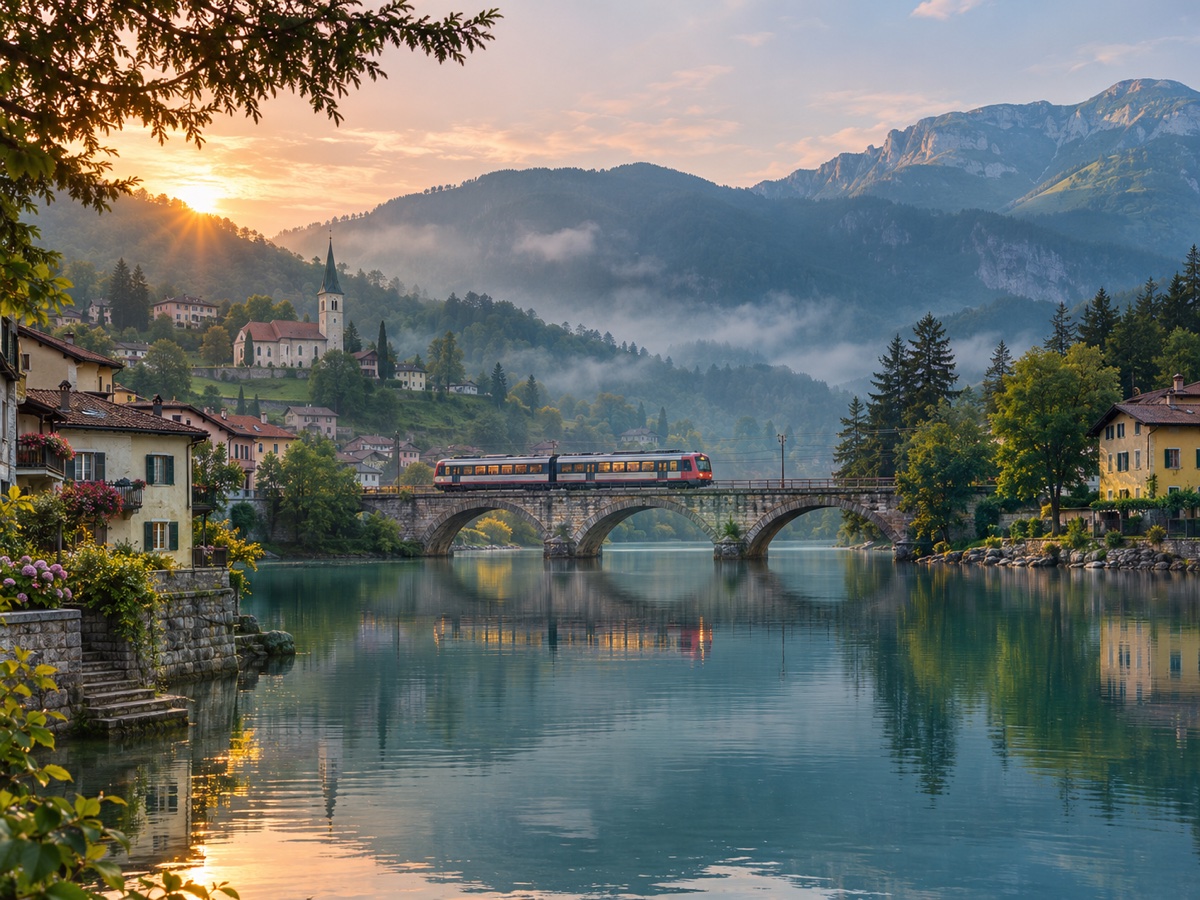
Illustrative image: a passenger train crosses a stone bridge beside a misty lake

Explore a scene from words

Give Flow AI Video a subject, setting and one clear action. Explore lighting or a camera angle for a storyboard before a shoot, then change one detail between attempts so you can compare the results.

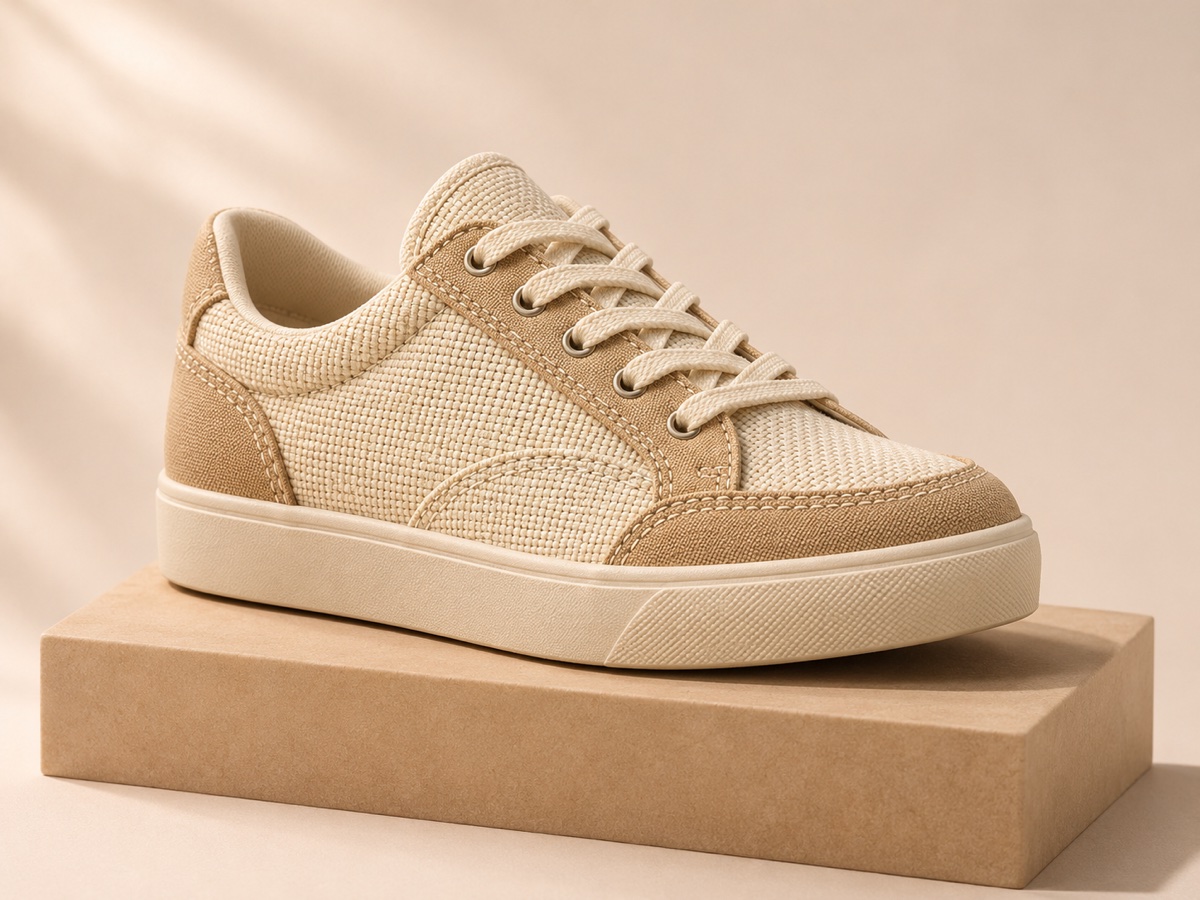
Illustrative image: an unbranded cream sneaker on a warm neutral studio pedestal

Show a product detail

Use a product photo to explore texture, stitching or shape with a closer camera view. Plan a detail shot for a product page or launch announcement, and check the generated materials and proportions before publishing.

Illustrative image: hands pouring iced tea into a glass on a sunny outdoor table

Frame a moment for social

Make a Flow AI Video shot for a Reel or Short with one action that reads clearly on mobile. Choose 9:16 when supported, center the subject, and leave space for captions added later in your editor.

Flow AI Video features

Flow AI Video keeps your input, model controls and credit quote together.

Describe the movement

Give a subject one action and a camera direction. Text-to-video lets you explore scenes without a reference photo.

Bring a first frame

Upload an image to anchor the opening composition. Describe what moves, then review how faithfully the result follows it.

Switch models in one place

Switch between available models in Flow AI Video. Length, resolution and framing options update with your selection.

Choose framing and sound

Set a supported format before submission. Compatible models generate audio automatically; other models produce silent video.

Know the cost first

The quote updates with your choices. Check your available balance before submitting, rather than guessing the cost of another attempt.

Keep drafts and versions

Flow AI Video saves drafts during sign-in. Track tasks and downloads in My creations; sharing is optional.

Choose a Flow AI Video model for your clip

Flow Video brings Veo, Seedance, Kling, Wan and Hailuo options into the same workspace. Start with your required frame shape, duration and audio support, then compare available settings in the generator. Model availability can change; there is no single best model for every scene.

For an early idea test, a shorter supported duration can limit the scope of a retry. If you are starting with a photo, select Image to Video and check the supported controls again. The generator displays the quote for your exact combination before you submit.

Veo 3.1 Fast

Google · 720p / 1080p

Veo 3.1 Quality

Google · 720p / 1080p

Seedance 2.0

ByteDance · 480p / 720p / 1080p

Seedance 2.0 Mini

ByteDance · 480p / 720p

Seedance 2.0 Fast

ByteDance · 480p / 720p

Wan 2.5

Alibaba · 480p / 720p / 1080p

Wan 2.6

Alibaba · 720p / 1080p

Wan 2.7

Alibaba · 720p / 1080p

Wan 3.0

Alibaba · 480p / 720p / 1080p

Kling 3.0

Kuaishou · 720p / 1080p

Hailuo 02

MiniMax · 512p / 768p / 1080p

How it works

Create your first Flow AI Video clip: add an idea, check the settings, then generate and download.

  1. Add text or an image

    Write your scene, or upload one JPG, PNG or WebP up to 5 MB. Describe the motion you want.

  2. Choose your settings

    Pick a model, then set its supported resolution, aspect ratio and length. Review the credits beside the arrow.

  3. Generate and download

    Sign in with enough total credits and press the arrow. Follow the task in My creations, then download when ready.

PLAN YOUR NEXT GENERATION

Choose Your Plan

Choose recurring credits or a one-time top-up. Video cost depends on the model and settings, not a fixed number of clips.

Starter

$9.90/month

For occasional video projects.

  • 600 credits / month
  • Access to all video models
  • 30-day video storage
  • No added watermark
  • Automatic refunds for failed tasks
  • Credits refresh monthly. Unused credits expire.
MOST POPULAR

Creator

$19.90/month

For regular creative experiments.

  • 1400 credits / month
  • Access to all video models
  • 30-day video storage
  • No added watermark
  • Automatic refunds for failed tasks
  • Credits refresh monthly. Unused credits expire.

Studio

$49.90/month

For more frequent generation.

  • 4000 credits / month
  • Access to all video models
  • 30-day video storage
  • No added watermark
  • Automatic refunds for failed tasks
  • Credits refresh monthly. Unused credits expire.

Flow AI Video FAQ

The practical details to check before your first generation.

What does Flow AI Video do?

Flow AI Video generates short, downloadable clips from text or one starting image in your browser.

Can I try Flow AI Video for free?

Gift and check-in credits can be used with any enabled video model. Generation still uses the quoted amount, so a task needs enough total balance.

What if my Flow AI Video task fails?

Confirmed failures return reserved credits with their original expiry dates. Processing tasks have not failed.

Where can I download my videos?

Download completed videos from My creations within 30 days. Uploaded first frames expire too.

Is this the same as Google Flow?

No. Flow Video at flowvideo.co is independently operated, unaffiliated with Google, and separate from Google Flow.

What can I upload to Flow AI Video?

Upload one JPG, PNG or WebP up to 5 MB, with permission to use it.

Which video models can I use?

Enabled families may include Veo, Seedance, Kling, Wan and Hailuo. Check the generator for availability.

Can I choose duration and format?

Yes. Select a supported length, resolution and aspect ratio in the settings panel. Available combinations vary by model.

Does Flow AI Video include sound?

Compatible models include audio automatically in their quote. Other models generate silent clips.

Why does the credit price change?

Cost follows model, length, resolution and audio. Credit eligibility and expiry vary by grant.

Can I use outputs commercially?

Check model terms, input rights and outputs for errors or third-party material before commercial use.

How long does Flow AI Video take?

Timing varies by model and provider. Track progress in My creations; edit longer stories separately.

Give your next idea a first frame

Open Flow AI Video, prepare one scene and check the quote before you generate.

Create a video